Glass Bottle CAD Preview Generator
GPT Image 2 · Login required
Turn glass bottle specs into an engineering-style preview image. Enter capacity, neck finish, height, diameter, weight, and color, then generate a CAD-like drawing you can discuss with buyers, designers, and suppliers.
Glass bottle specs
Use real or estimated dimensions. Missing optional fields are omitted from the generated preview.
CAD-style output
Preview with the Bottle center layout.
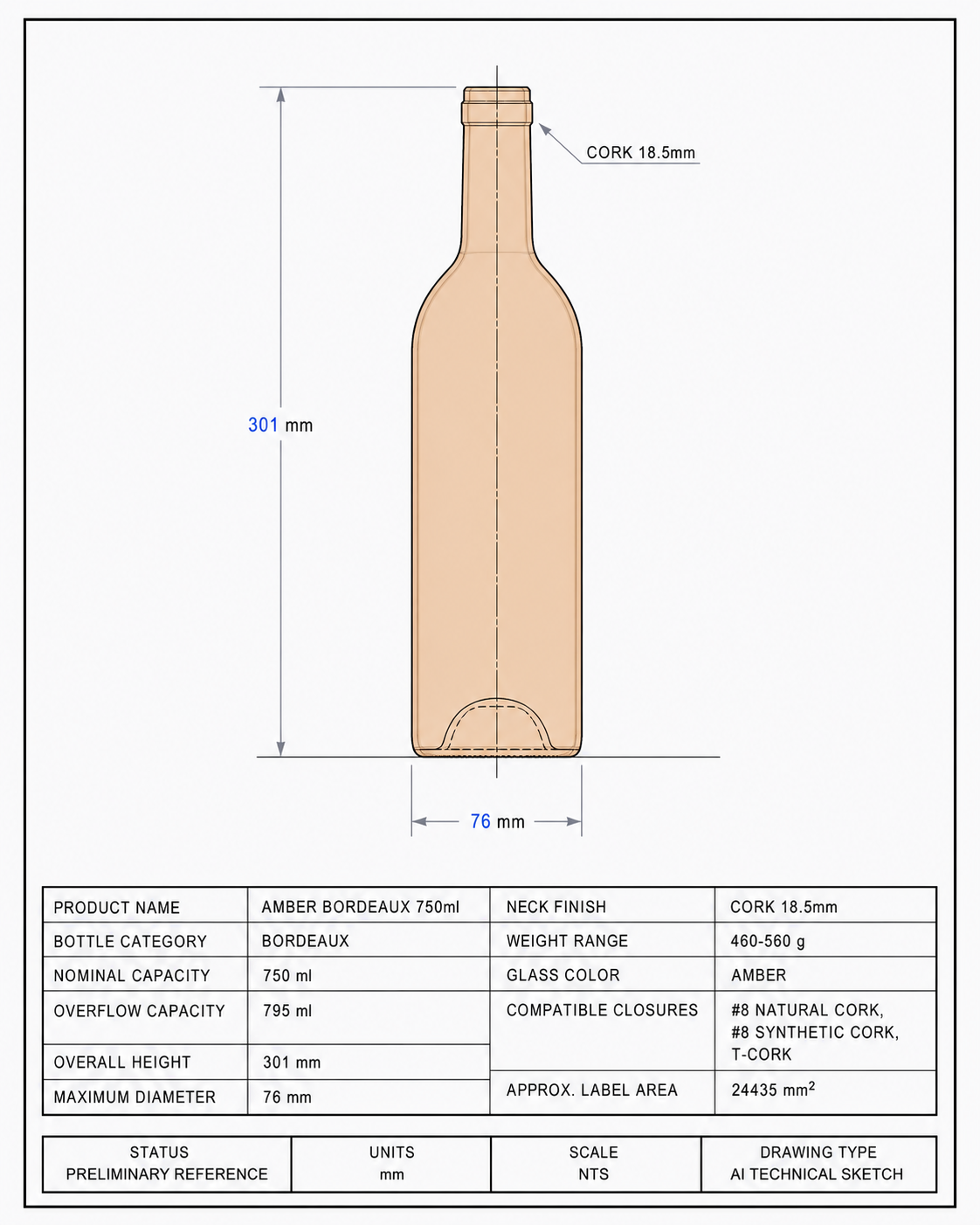
Built for early glass bottle sourcing
Why this is different from a normal image generator
CAD-like visual system
The prompt locks the output to drafting-paper backgrounds, monoline strokes, dimensions, and spec labels.
Spec-first prompts
Capacity, height, diameter, neck finish, weight, color, and closures become hard prompt variables.
Glass bottle vocabulary
Bottle families use domain-specific shape guidance such as Bordeaux, Champagne, Dropper, Jar, and Boston Round.
GPT Image 2 through KIE
Generation runs through the configured KIE provider after login.
Buyer-safe positioning
The result is framed as a preview, not a certified CAD file or verified supplier photo.
RFQ-ready next step
Use the preview to move into spec generation, supplier matching, or quote comparison.
When to use this glass bottle tool
How to generate a glass bottle CAD preview
Enter core specs
Start with capacity, bottle type, color, neck finish, height, diameter, and weight range.
Generate after login
The tool sends a controlled prompt to GPT Image 2 through KIE and waits for the image result.
Use it as a discussion asset
Share the preview with stakeholders or suppliers, then create a fuller spec sheet when requirements are stable.